What are UTM Parameters?
UTM (Urchin Tracking Module) parameters are tags appended to the end of a URL that help analytics tools like Google Analytics 4 (GA4) identify the exact source, medium, and campaign that generated a click.
The 5 Core UTM Parameters Explained
utm_sourceRequiredIdentifies the platform sending traffic (e.g. google, facebook, newsletter, twitter).
utm_mediumRequiredIdentifies the marketing channel or medium (e.g. cpc, email, paid-social, referral, banner).
utm_campaignRequiredIdentifies the specific promotional campaign or product launch (e.g. summer_sale, black_friday_2026).
utm_termOptionalUsed primarily for paid search ads to track the keyword that triggered the ad (e.g. running+shoes).
utm_contentOptionalDifferentiates multiple links or creative variants within the same campaign (e.g. logo_cta vs text_link).
UTM Naming Best Practices
- Always use lowercase: GA4 treats
Facebookandfacebookas two different sources. Stick strictly to lowercase. - Use hyphens or underscores instead of spaces: Avoid spaces which turn into unsightly
%20encoding. - Shorten long UTM links: Long campaign URLs look messy in social media captions. Use the integrated URL shortener to generate a sleek, trackable link.
Create Your Campaign Links with 1 Click
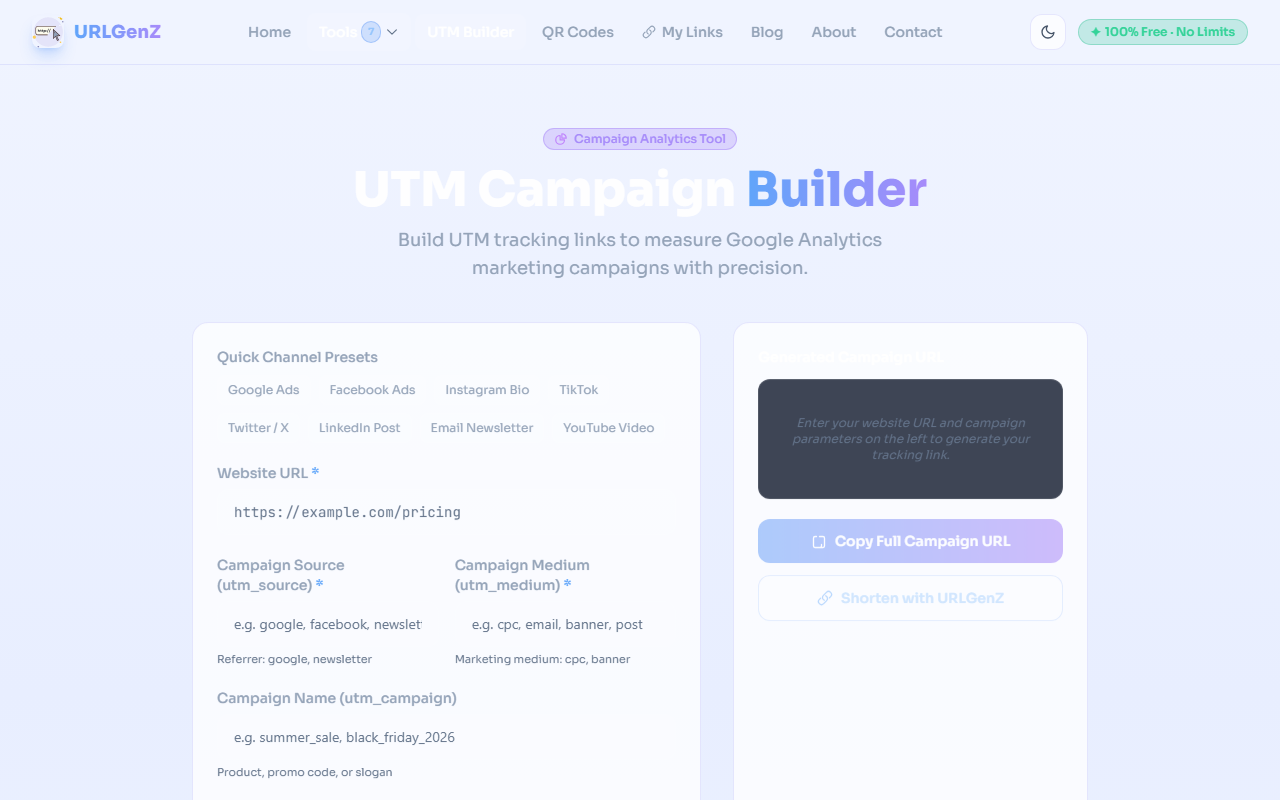
Use our free UTM Campaign Builder with pre-configured channel presets, instant QR codes, and 1-click URL shortening.
Open UTM Campaign Builder →